

How to Optimize Out-of-Stock Product Pages to Keep Shoppers on Your Site
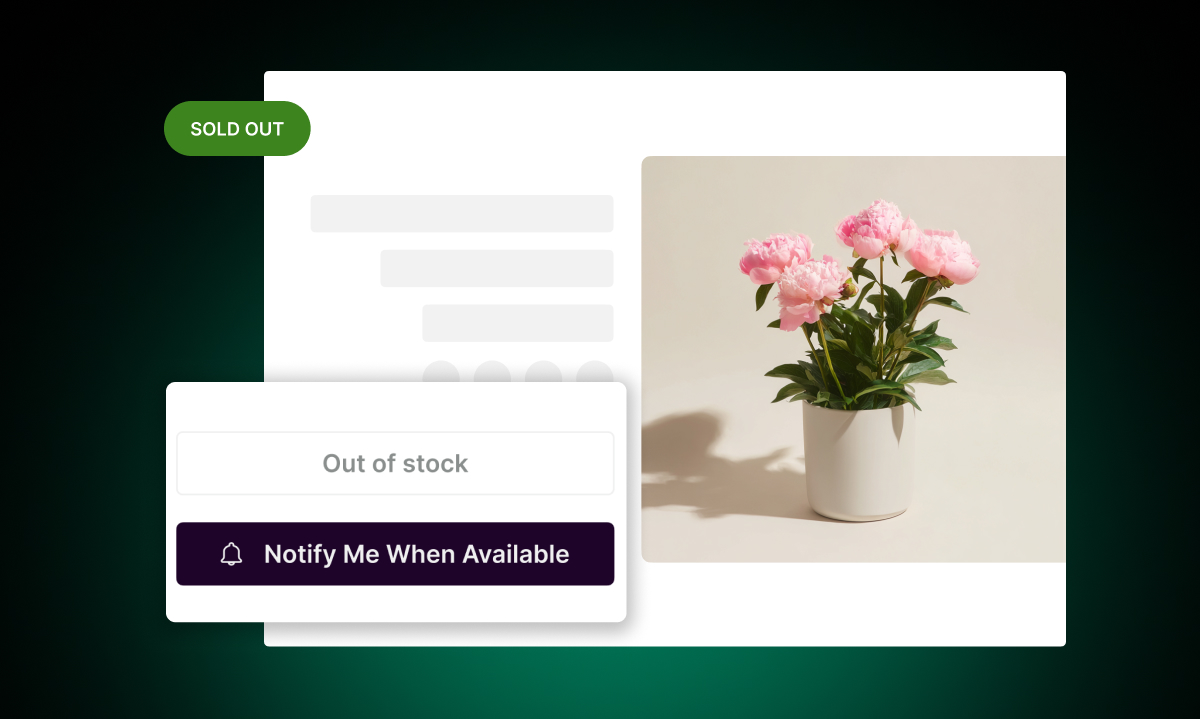
Most stores make the same mistake when a product goes out of stock. They either hide the page entirely or leave it up with nothing but a grey "Unavailable" button. Both options send shoppers away with no way to come back.
There's a better approach. An out-of-stock page doesn't have to be a dead end. With a few changes, it becomes a page that holds attention, captures intent, and brings shoppers back when the product returns.
Keep the Page Live
This is the most important decision. If you remove or redirect an out-of-stock product page, you lose your SEO rankings for that URL. You also lose the ability to capture shoppers who are actively looking for that product.
Keep the page up. Let shoppers find it through search, social, or your own navigation. The goal is to replace "this is a dead end" with "here's what you can do."
Add a "Notify Me When Available" Button
This is the highest-impact change you can make. When a shopper lands on an out-of-stock product page, they're already interested. They found the page, they clicked on the product, they're looking at it. That's a high-intent moment.
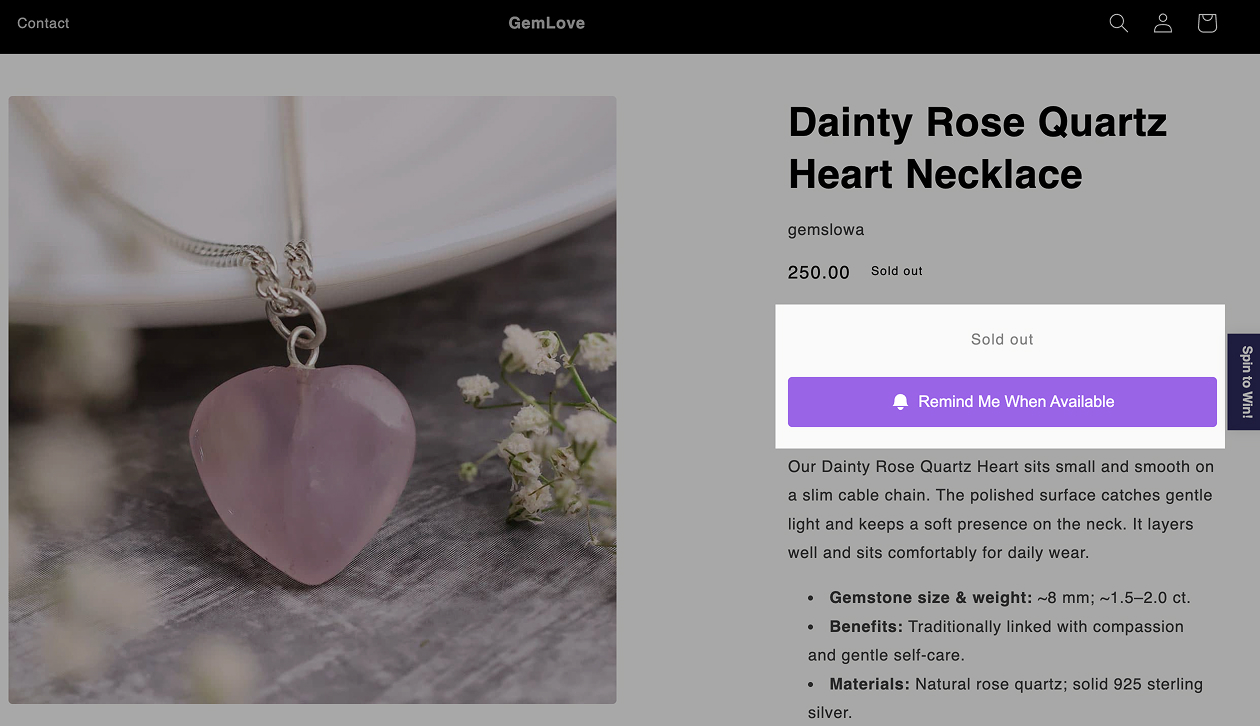
A "Notify Me When Available" button captures that intent before it disappears. The shopper gives you their email and opts in to hear from you when the product is back. You get a warm, interested lead — not a bounce.
With Remind Notification, the button appears automatically on out-of-stock products and variants. When you restock, the email goes out automatically. No manual work required.
This works at the variant level too. If only size M is out of stock, the button appears only for that variant. Shoppers choosing other sizes can still add to cart normally.
Show Related or Similar Products
Not every shopper will wait. Some need the item now and will look elsewhere. Give them an "elsewhere" that keeps them in your store.
Below the out-of-stock notice, show a section of related products. These could be:
Similar items in the same category
Other colorways or styles of the same product
Best-sellers in the same collection
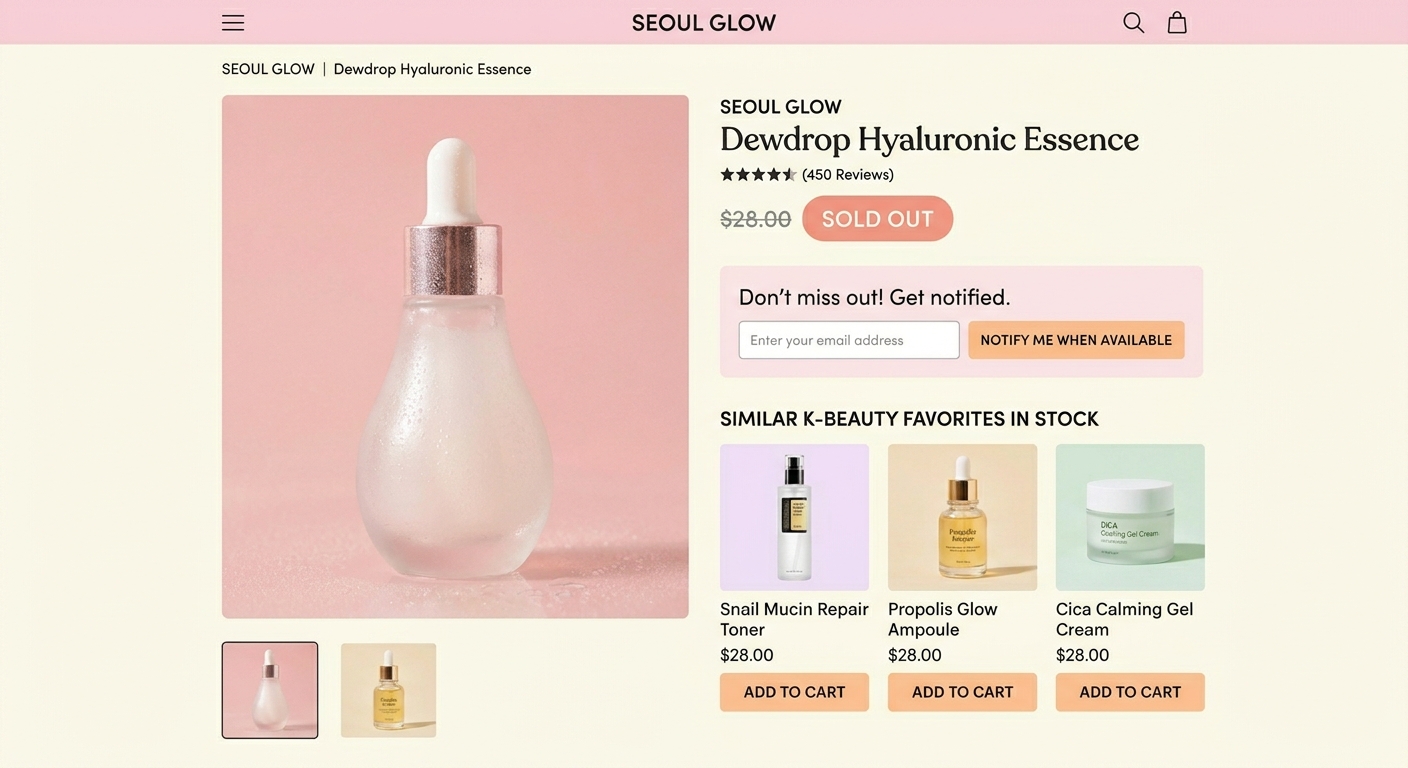
Shopify themes often have built-in "You may also like" sections. Make sure they're turned on for product pages, including out-of-stock ones. If your theme doesn't have this, a product recommendation app can add it.
Write a Clear Out-of-Stock Message
Replace a vague "Unavailable" label with a message that tells shoppers exactly what's happening. Something simple works: "This item is currently out of stock. Sign up below and we'll email you the moment it's back."
Short, honest, and useful. Shoppers appreciate transparency. It also makes the sign-up button feel more trustworthy — they know what they're signing up for.
Keep the Page Optimized for SEO
Out-of-stock pages still attract search traffic, especially for popular products. Don't let them go to waste.
Make sure the page title, meta description, and product content are still complete. Don't add a noindex tag just because the product is temporarily unavailable. Google will continue to rank the page, and shoppers will continue to find it.
If a product is permanently discontinued — not just temporarily out of stock — that's a different situation. In that case, redirect the URL to the closest relevant category page.
Reduce Bounce With a Clear Visual Hierarchy
When a shopper lands on an out-of-stock page, they need to immediately understand two things: the item isn't available, and here's what they can do instead.
Make this obvious. Put the out-of-stock notice and the Notify Me button near the top of the page, close to where the "Add to Cart" button normally sits. Don't bury it. Shoppers shouldn't have to scroll to understand the situation.
Use the Data You're Collecting
Every sign-up on an out-of-stock page is a signal. It tells you which products people want and how long they're willing to wait. Remind Notification's reporting dashboard shows you which products have the most restock requests and the average time subscribers have been waiting.
This data is useful beyond just triggering emails. It tells you what to prioritize when placing your next inventory order. If 40 people have signed up for one variant and 3 have signed up for another, you know which one to restock first.
Out-of-stock pages don't have to hurt your store. With the right setup, they become one of your best tools for capturing demand and recovering revenue.